IT Portfolio • Hardware • Troubleshooting • Systems

I build, diagnose, and understand computers beyond just putting parts together.

This portfolio is built to show practical IT value: custom PC assembly, hardware troubleshooting, Windows and driver setup, Linux and server work, networking basics, and the ability to turn real technical curiosity into dependable hands-on results.

Building since age 8 Hands-on hardware work Windows + Linux experience IT career focused
Age 8Started learning computers through curiosity and hands-on work
HardwareBuilds, upgrades, diagnostics, cooling, and component setup
SystemsWindows installs, drivers, troubleshooting, Linux and hosting
IT ReadyA portfolio designed to support hiring conversations
Portfolio

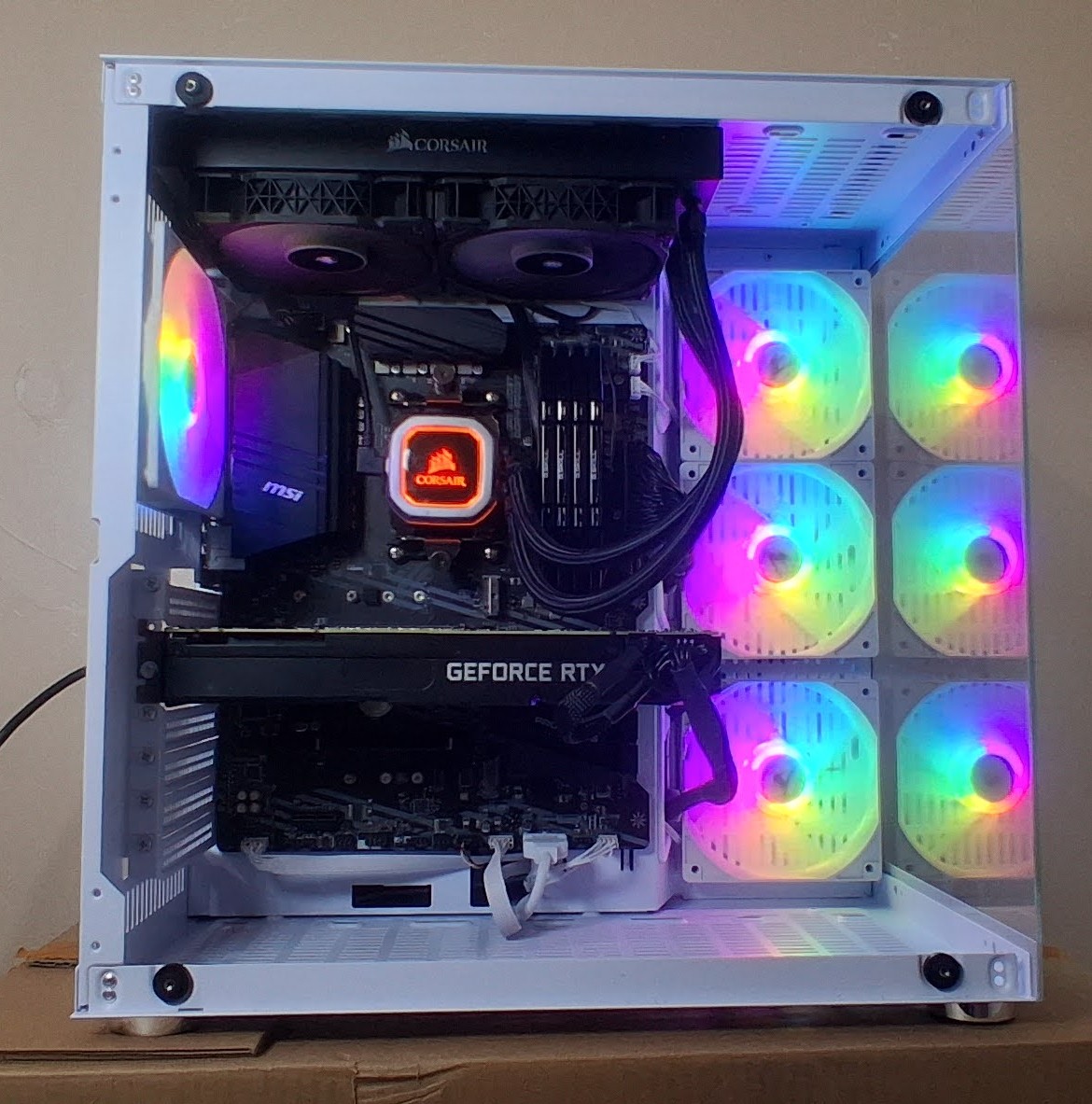
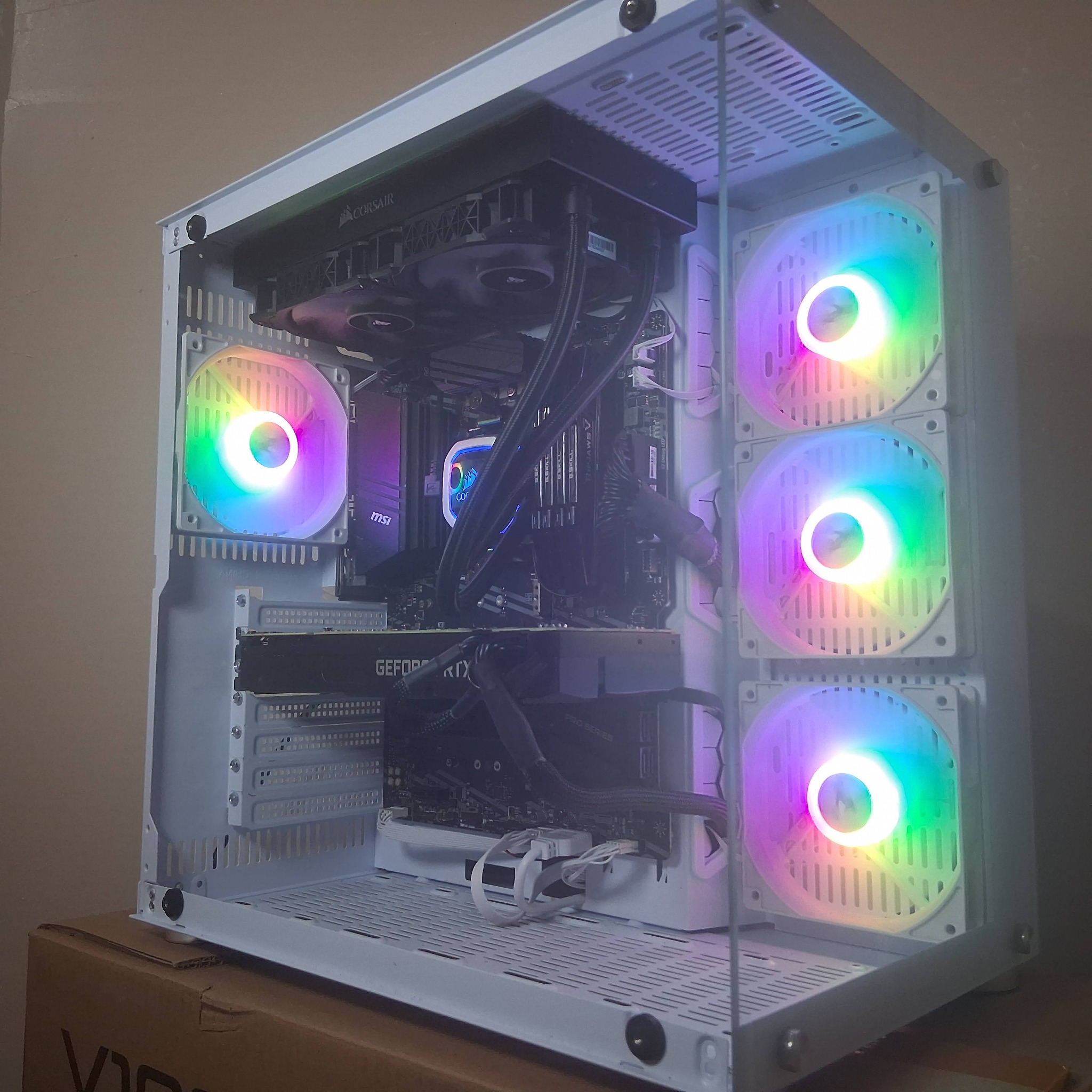
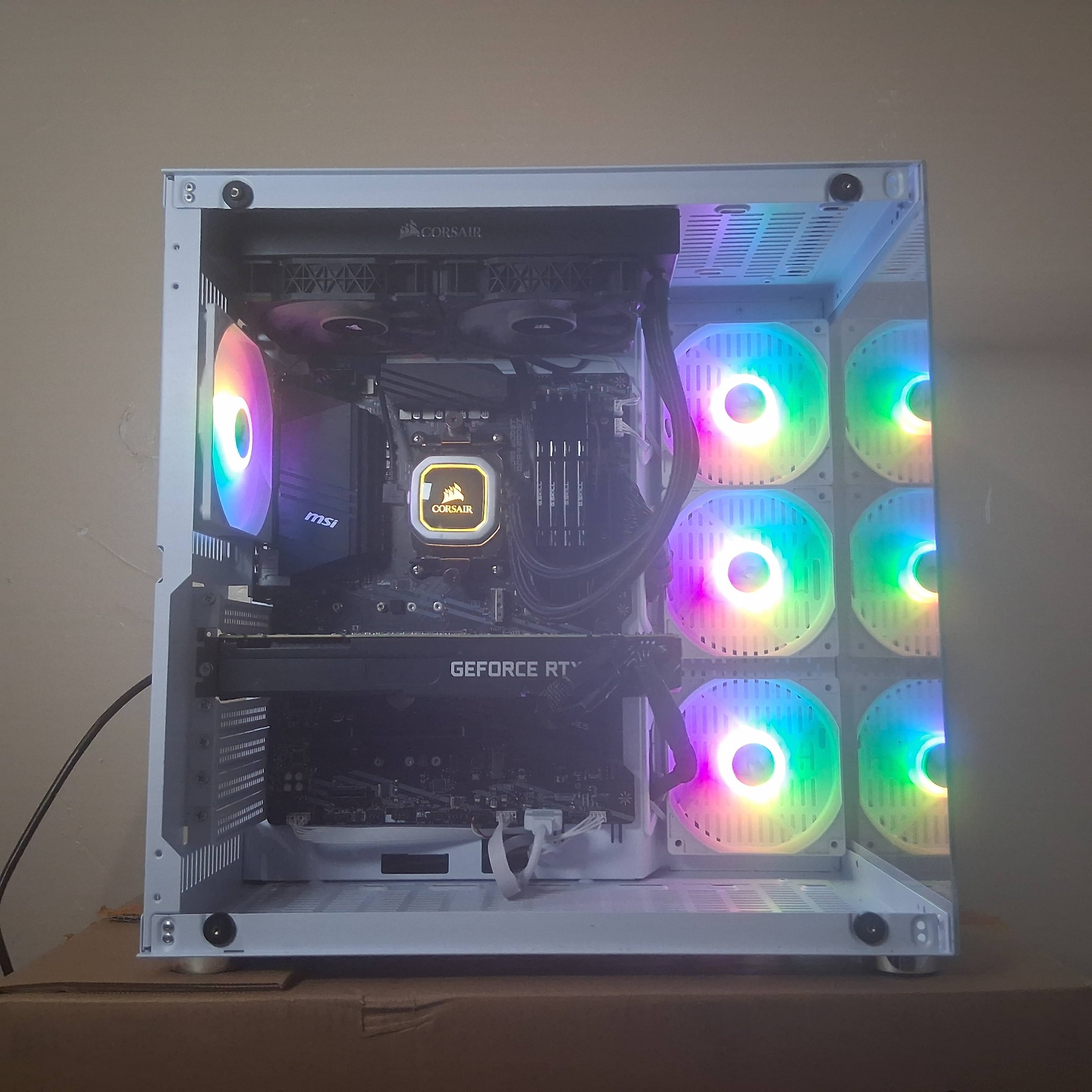
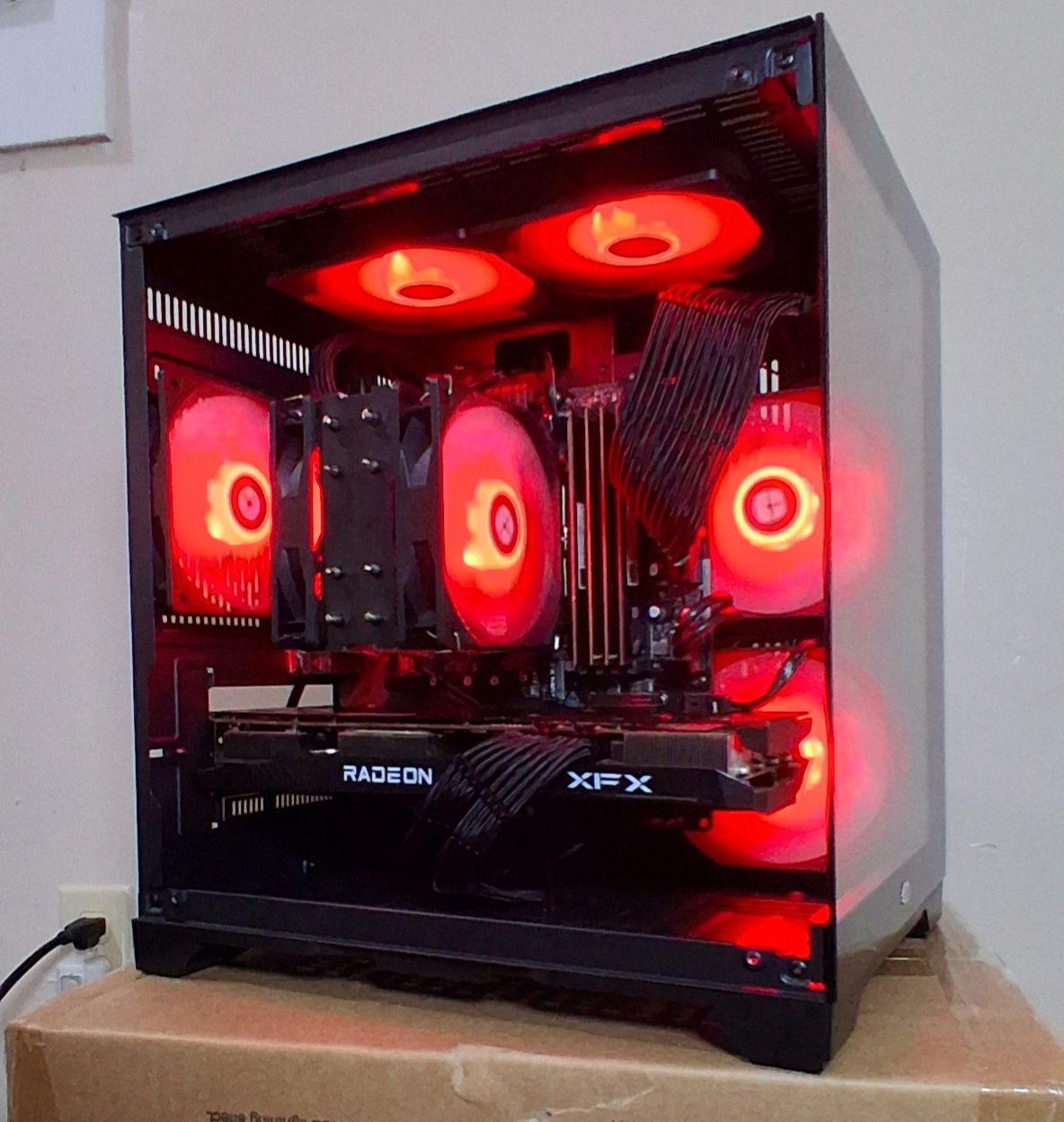
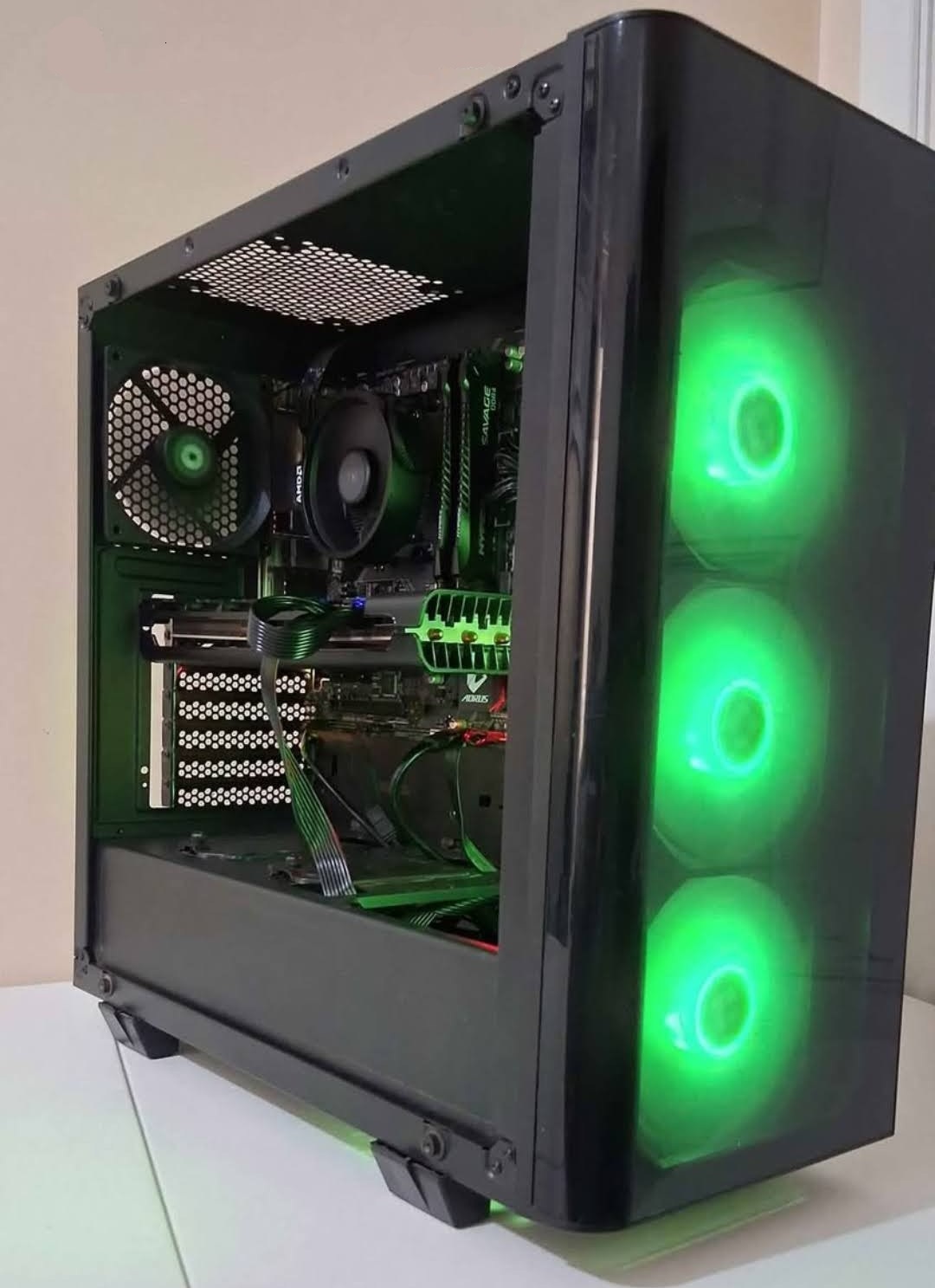
Real builds with updated photos.

These are actual systems I built and documented. The gallery is meant to show presentation, component layout, cooling decisions, and the kind of hands-on work I can bring into an IT role.

Story

Started with curiosity. Kept going because I genuinely like solving computer problems.

This website is not centered around selling PCs. It is a technical portfolio meant to help show why I would be valuable in an IT role.

“I have been building and learning computers since I was eight. Over time that turned into real experience with hardware, troubleshooting, operating systems, servers, and the kind of hands-on problem solving that matters in IT.”

  • Building and upgrading computers by hand
  • Diagnosing issues instead of guessing at fixes
  • Setting up Windows, drivers, software, and stable systems
  • Learning Linux, networking, hosting, and self-managed systems
Early start

Began learning computers young and built familiarity through repeated hands-on exposure.

Build skills

Moved from curiosity into practical work with parts, assembly, upgrades, cooling, and system configuration.

Troubleshooting

Expanded into diagnosing hardware issues, driver problems, performance concerns, and reliability fixes.

IT direction

Now using that experience as a portfolio foundation for technical support, repair, systems, or entry IT work.
Technical strengths

More than assembly: the surrounding knowledge matters too.

The strongest technical value comes from combining hardware work with software setup, troubleshooting, and a mindset focused on making systems stable and usable.

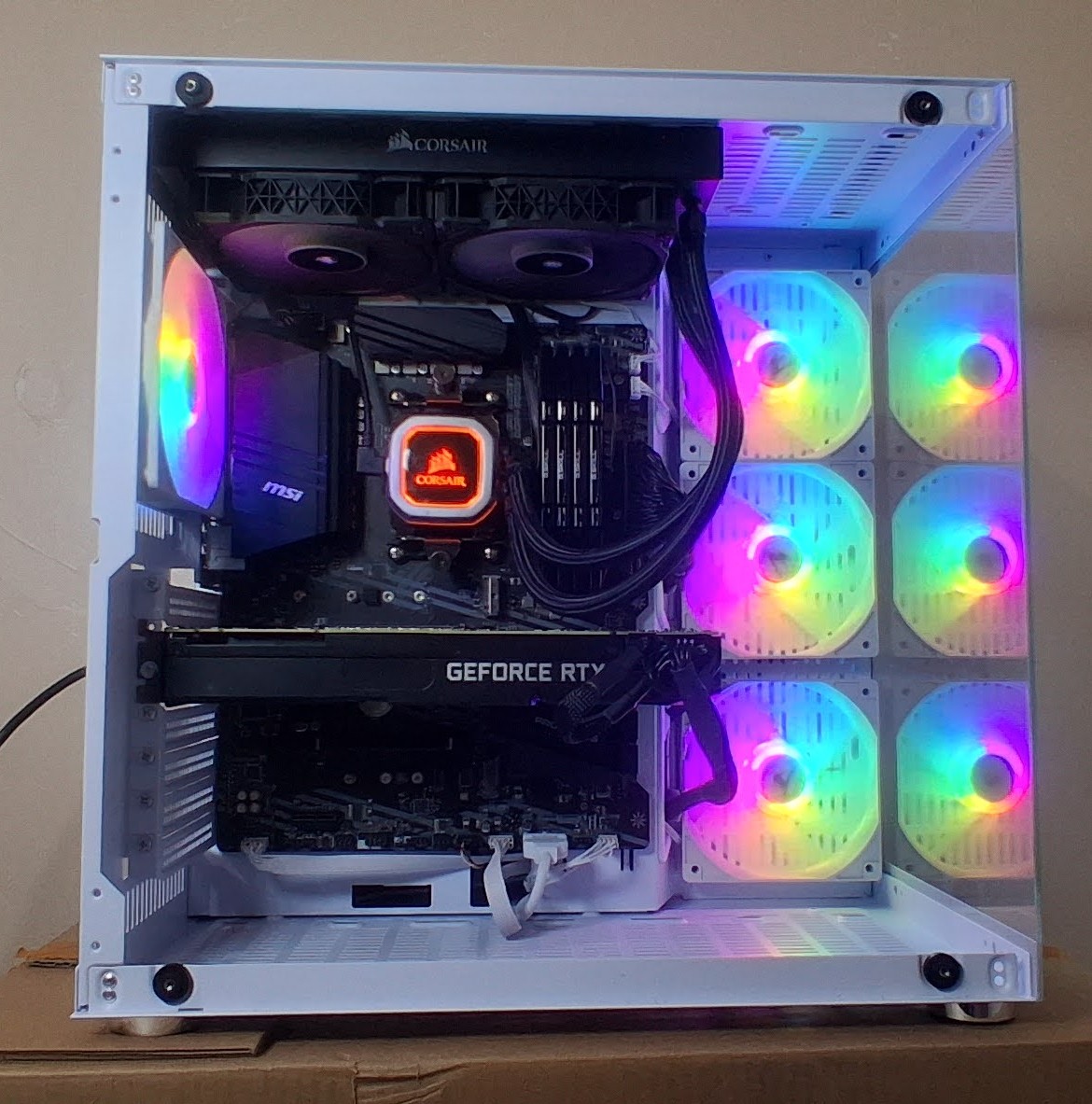
White RTX system hero photo

Hardware builds and upgrades

Custom systems, RAM and storage upgrades, cooling setups, visual presentation, component fitment, and practical build planning.

PC assemblyUpgradesCoolingParts selection
Windows setup illustration

OS, setup, and troubleshooting

Windows installs, drivers, software setup, update handling, performance tuning, and practical diagnosis when a system is unstable or misconfigured.

WindowsDriversDiagnosticsPerformance tuning
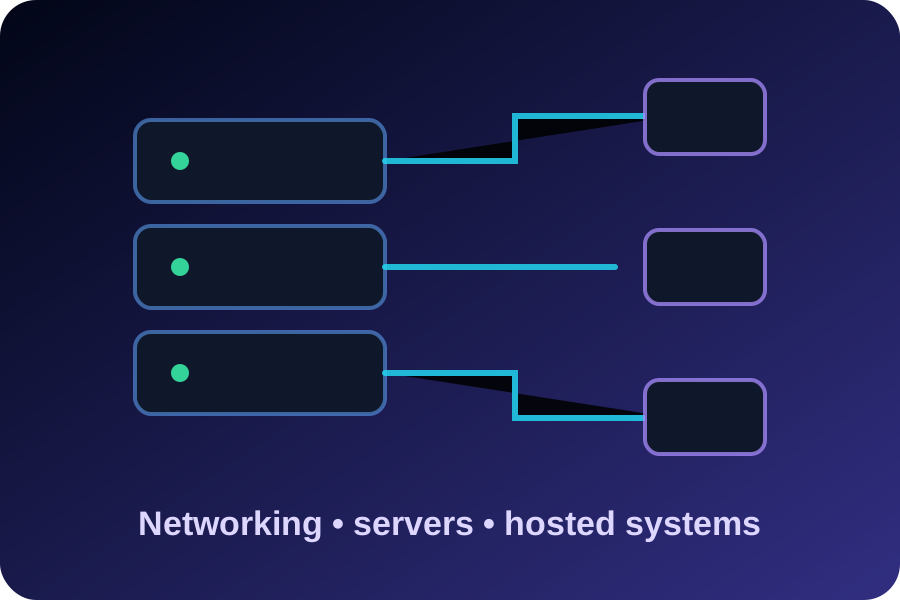
Networking and server illustration
🖧

Homelab and infrastructure interest

Linux systems, networking basics, Docker-style hosting, local services, and the kind of self-directed technical learning that supports IT growth.

LinuxNetworkingHostingServers

Technical snapshot

This is the kind of stack and skill mix I am comfortable talking about and working with.

Hardware: PC assembly, upgrades, cooling, GPU/RAM/storage swaps
Operating systems: Windows setup, Linux systems, update and driver work
Troubleshooting: boot issues, stability problems, performance bottlenecks
Infrastructure: networking basics, self-hosting, Docker-style services
Mindset: learn fast, test changes, document what works, keep systems reliable

Build walkaround

Video makes the work feel more real. It shows an actual finished system instead of relying on claims alone.

Live tech console

Real-time browser and site telemetry.

Direct values reported to this page plus live latency checks against this website. No inferred machine model, no guessed identity, and no fake hardware claims.

Origin latency Testing… Waiting for first check
Average latency 0 samples
Page uptime 00:00 Current session
Animation frame rate Measuring… Measured in this tab

Live site pulse

Checking
Last checkWaiting…
Fastest measured
Slowest measured
Successful checks0
Failed checks0
Page load timingMeasuring…
DOM ready timingMeasuring…
Connection stateLoading…
Tab visibilityLoading…
Tab focusLoading…

Reported runtime values

Current originLoading…
ProtocolLoading…
HostLoading…
PathLoading…
Secure contextLoading…
User agent stringLoading…
Platform stringLoading…
Primary languageLoading…
Available languagesLoading…
TimezoneLoading…
Local timeLoading…
UTC offsetLoading…
Screen sizeLoading…
Available screenLoading…
ViewportLoading…
Device pixel ratioLoading…
Color depthLoading…
Touch pointsLoading…
Cookies enabledLoading…
Do Not TrackLoading…
PDF viewer enabledLoading…
Connection effective typeLoading…
Connection downlinkLoading…
Connection RTT hintLoading…
Data saverLoading…
Storage quotaLoading…
Storage usageLoading…
WebGL vendorLoading…
WebGL rendererLoading…
Contact and hiring

Open to IT opportunities and technical work.

Use the primary email or phone number first. The backup email is included for fallback contact only and is checked less often.